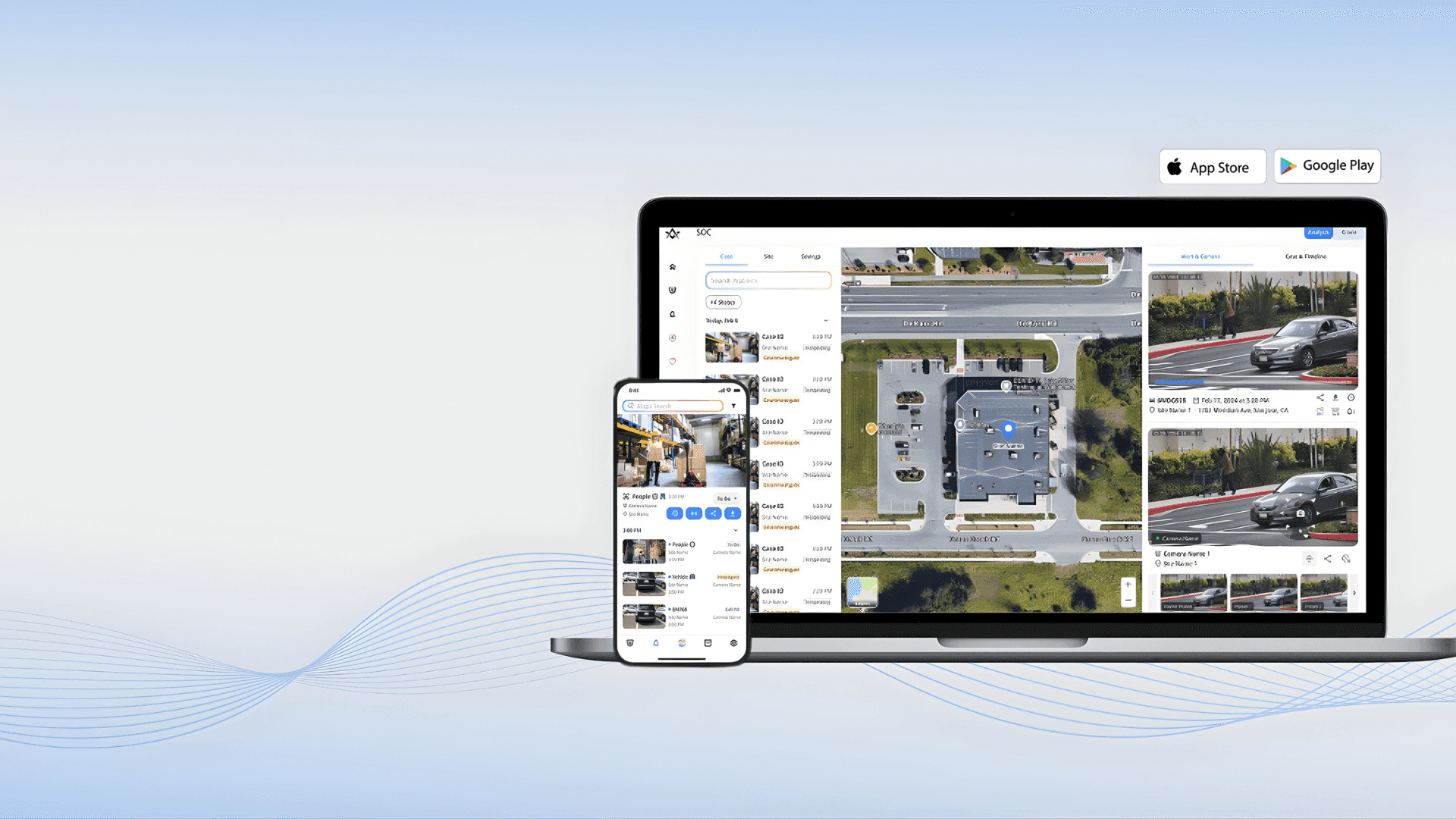

簡単設定のための高度なツール
簡単設定のための高度なツール
EZTools 3.0: 高度なデバイス管理ツール
EZTools 3.0: 高度なデバイス管理ツール
Your all-in-one solution for managing and configuring Uniview devices. Streamline batch setups, firmware upgrades, and maintenance with powerful new features designed to save you time.
Your all-in-one solution for managing and configuring Uniview devices. Streamline batch setups, firmware upgrades, and maintenance with powerful new features designed to save you time.
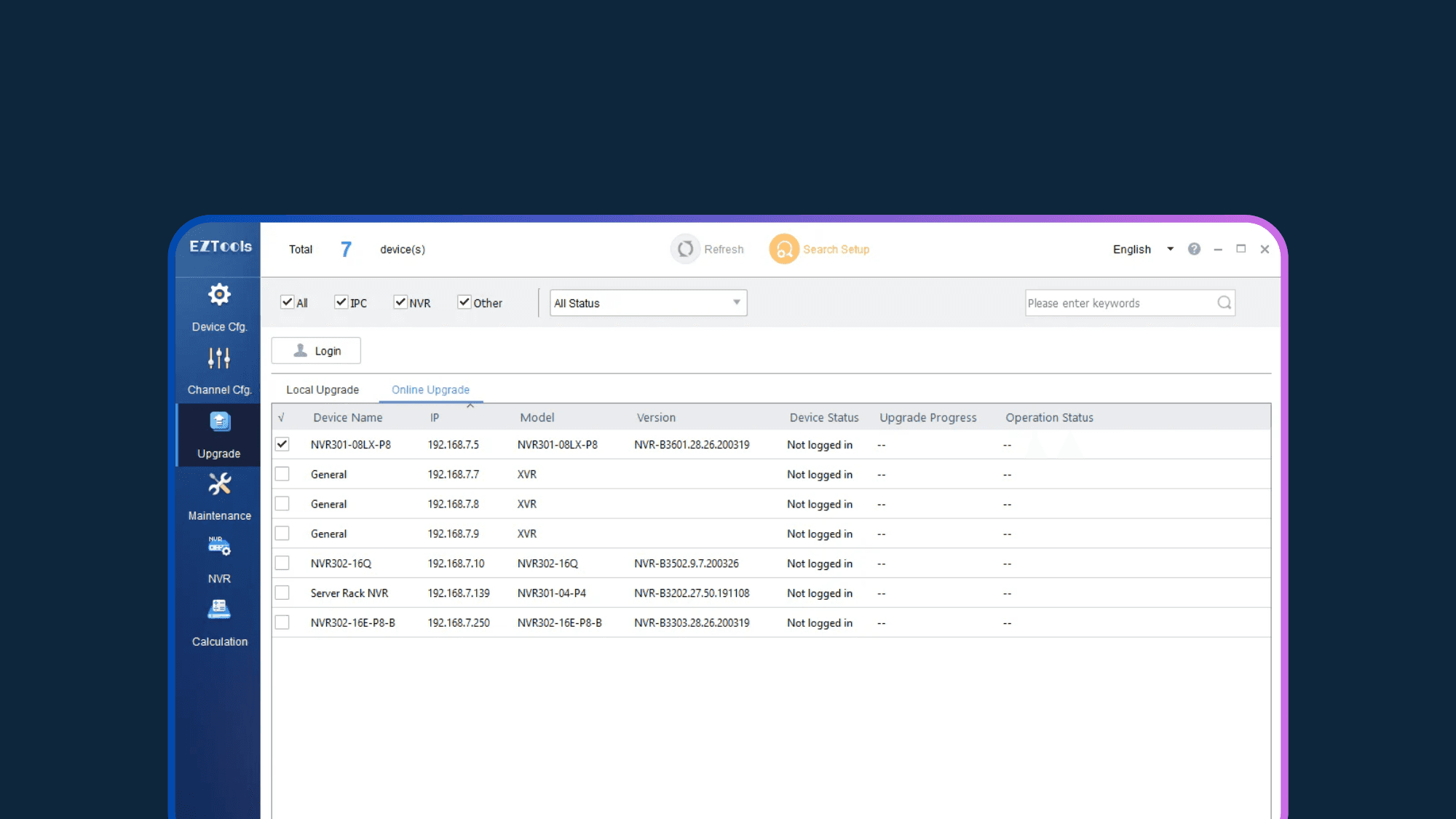
EZTools 3.0: Your All-in-One Command Center
EZTools 3.0: Your All-in-One Command Center
EZTools 3.0は、強力なバッチ処理機能をあなたの手元に置くことで、ワークフローを一新します。初期段階の検出とIP設定から継続的なメンテナンスまで、IPカメラとNVRのネットワーク全体を集中管理できます。
EZTools 3.0は、強力なバッチ処理機能をあなたの手元に置くことで、ワークフローを一新します。初期段階の検出とIP設定から継続的なメンテナンスまで、IPカメラとNVRのネットワーク全体を集中管理できます。
Univiewデバイスの管理ツール
EZTools 3.0: Key Capabilities
EZTools 3.0: Key Capabilities
EZTools 3.0はUniview展開のための中央指令センターとして機能します。バッチファームウェアの更新から即時ライブプレビューまで、ネットワーク全体を迅速かつ正確に設定、保護、維持するために必要な基本的なユーティリティにアクセスできます。
EZTools 3.0はUniview展開のための中央指令センターとして機能します。バッチファームウェアの更新から即時ライブプレビューまで、ネットワーク全体を迅速かつ正確に設定、保護、維持するために必要な基本的なユーティリティにアクセスできます。


Technical Specification
EZTools 3.0: System Requirements
EZTools 3.0: System Requirements
Browse common inquiries regarding EZTools 3.0 installation, compatibility, and troubleshooting. Find the solutions you need to resolve network discovery issues and keep your security deployment running smoothly.
Browse common inquiries regarding EZTools 3.0 installation, compatibility, and troubleshooting. Find the solutions you need to resolve network discovery issues and keep your security deployment running smoothly.
R1122.3.5.1
R1122.3.5.1
Uniview
Windows 7, 8, 10, 11 (32/64-bit)
Intel Pentium IV @ 3.0 GHz or higher
1 GB RAM or higher
1280x720 resolution or higher
Not currently available for Mac.
サポート & ナレッジベース
EZTools 3.0: FAQs
EZTools 3.0: FAQs
Browse common inquiries regarding EZTools 3.0 installation, compatibility, and troubleshooting. Find the solutions you need to resolve network discovery issues and keep your security deployment running smoothly.
Browse common inquiries regarding EZTools 3.0 installation, compatibility, and troubleshooting. Find the solutions you need to resolve network discovery issues and keep your security deployment running smoothly.
01
What are the main improvements in EZTools 3.0?

02
Is EZTools 3.0 compatible with Mac (macOS)?
03
Can I manage cameras connected to NVR PoE ports?
04
Optimize your security workflow today.
01
What are the main improvements in EZTools 3.0?
02
Is EZTools 3.0 compatible with Mac (macOS)?
03
Can I manage cameras connected to NVR PoE ports?
04
Optimize your security workflow today.