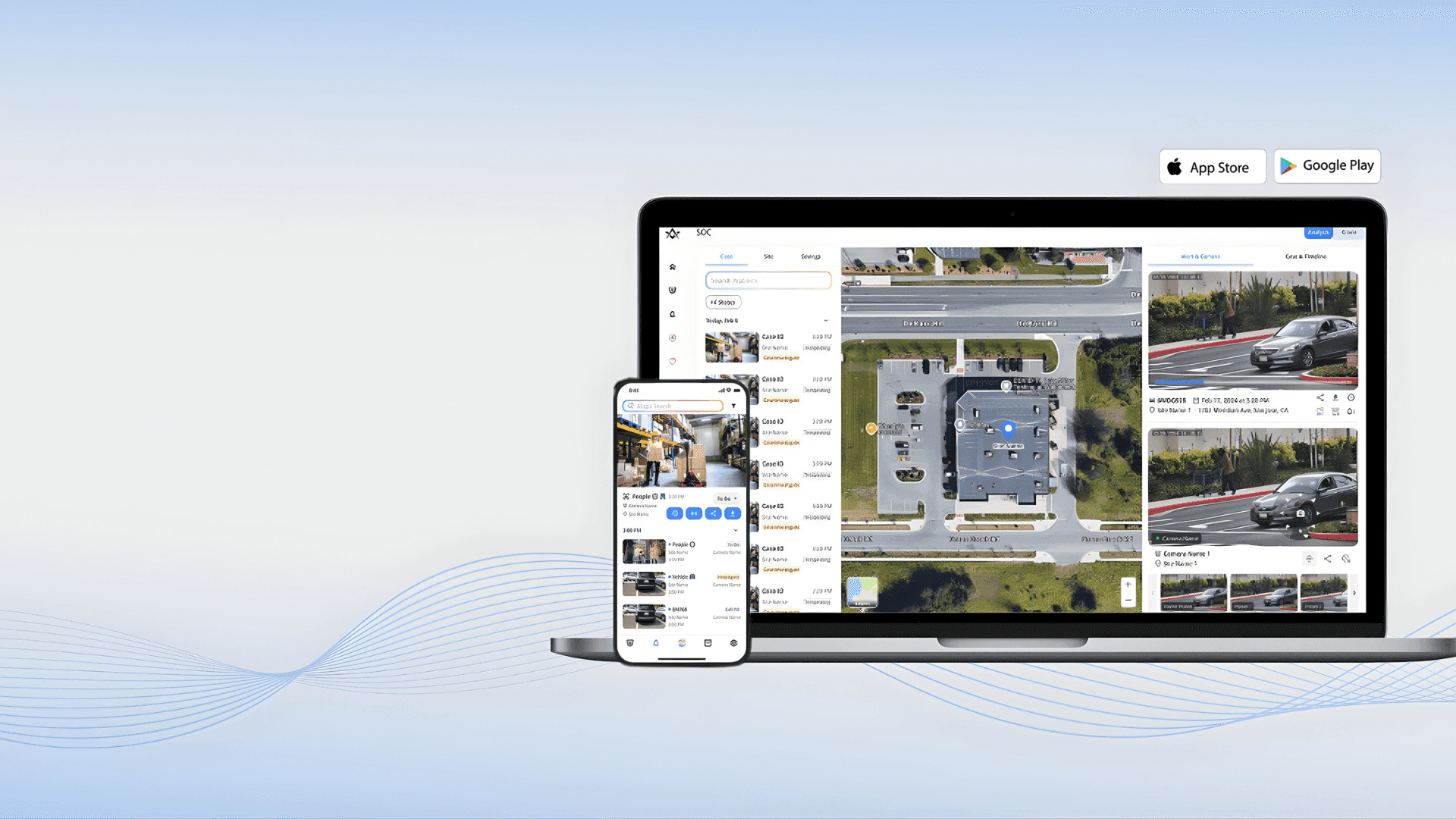

Comprehensive Control for Your Security Network
Comprehensive Control for Your Security Network
EZStation 3.0: Advanced Video Management Software
EZStation 3.0: Advanced Video Management Software
Your all-in-one command center for managing Uniview devices. Unify live monitoring, recording playback, and access control management into a single, powerful interface designed for rapid incident response and seamless operation.
Your all-in-one command center for managing Uniview devices. Unify live monitoring, recording playback, and access control management into a single, powerful interface designed for rapid incident response and seamless operation.
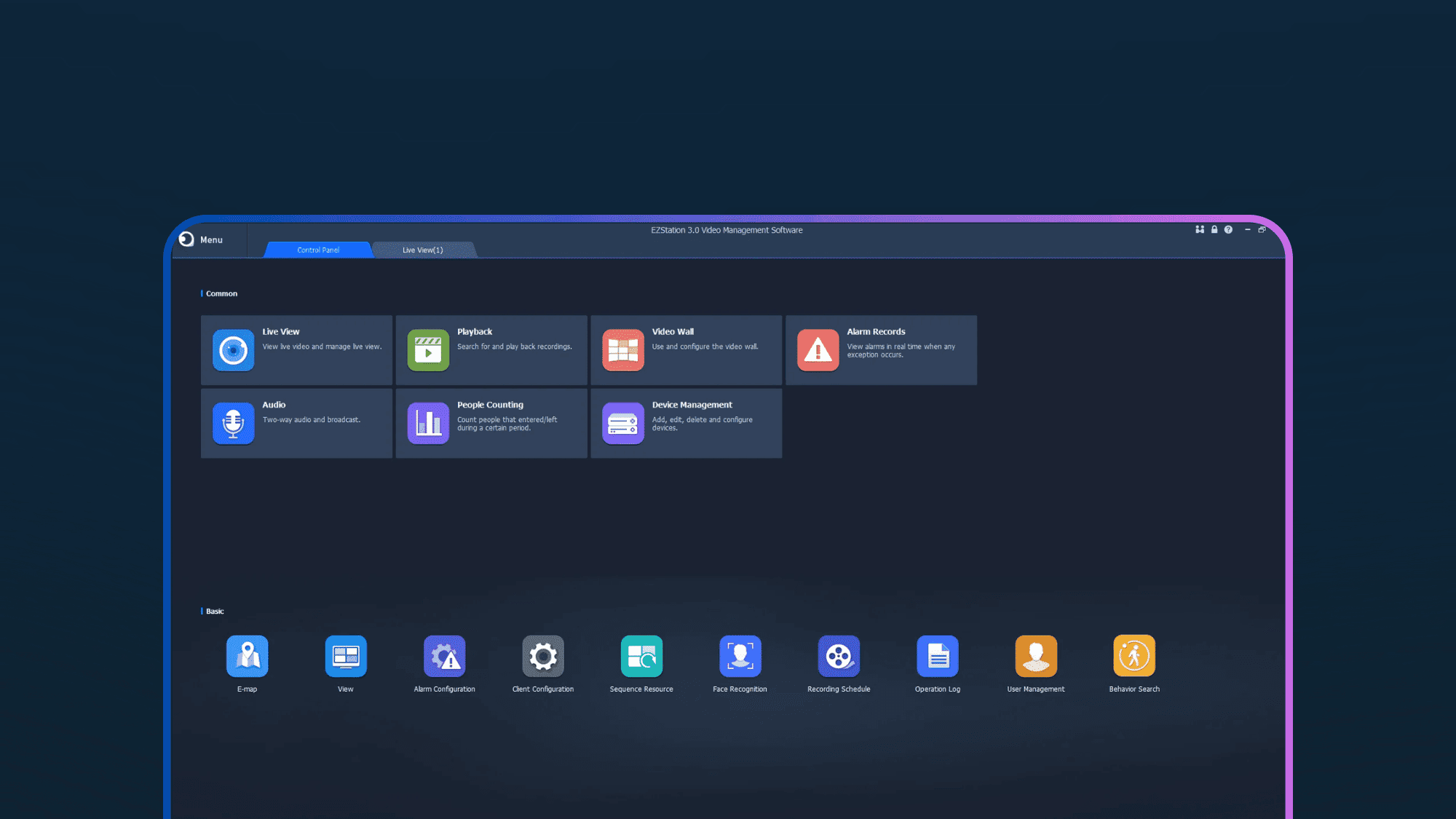
EZStation 3.0: Your Complete Security Command Center
EZStation 3.0: Your Complete Security Command Center
Step into the command center of your infrastructure. Whether managing a single site or a global deployment, EZStation 3.0 delivers seamless monitoring, intelligent playback, and robust device management—all without licensing fees.
Step into the command center of your infrastructure. Whether managing a single site or a global deployment, EZStation 3.0 delivers seamless monitoring, intelligent playback, and robust device management—all without licensing fees.
Complete Control Over Your Security Ecosystem
EZStation 3.0: Key Capabilities
EZStation 3.0: Key Capabilities
From custom video walls to precision PTZ control, EZStation 3.0 provides the tools operators need to monitor effectively and respond to incidents with speed and precision.
From custom video walls to precision PTZ control, EZStation 3.0 provides the tools operators need to monitor effectively and respond to incidents with speed and precision.


Technical Specification
EZStation 3.0: System Requirements
EZStation 3.0: System Requirements
EZStation 3.0 offers cross-platform support for maximum flexibility. Review the specifications below to ensure compatibility with your workstation.
EZStation 3.0 offers cross-platform support for maximum flexibility. Review the specifications below to ensure compatibility with your workstation.
B1130.3.15.7 (Win) / B1113.3.15.2 (Mac)
B1130.3.15.7 (Win) / B1113.3.15.2 (Mac)
Uniview
Windows 7, 8, 10, 11 (64-bit)
Intel Core i5 @ 3.1 GHz or higher
4 GB RAM or higher
1280x720 resolution or higher
Support & Knowledge Base
EZStation 3.0: FAQs
EZStation 3.0: FAQs
Find answers to common questions regarding installation, remote access, and the differences between Uniview management tools.
Find answers to common questions regarding installation, remote access, and the differences between Uniview management tools.
01
What is the difference between EZStation 3.0 and EZTools 3.0?

02
Is EZStation 3.0 free to use?
03
How do I view cameras remotely?
04
Does EZStation support third-party cameras?
01
What is the difference between EZStation 3.0 and EZTools 3.0?
02
Is EZStation 3.0 free to use?
03
How do I view cameras remotely?
04
Does EZStation support third-party cameras?