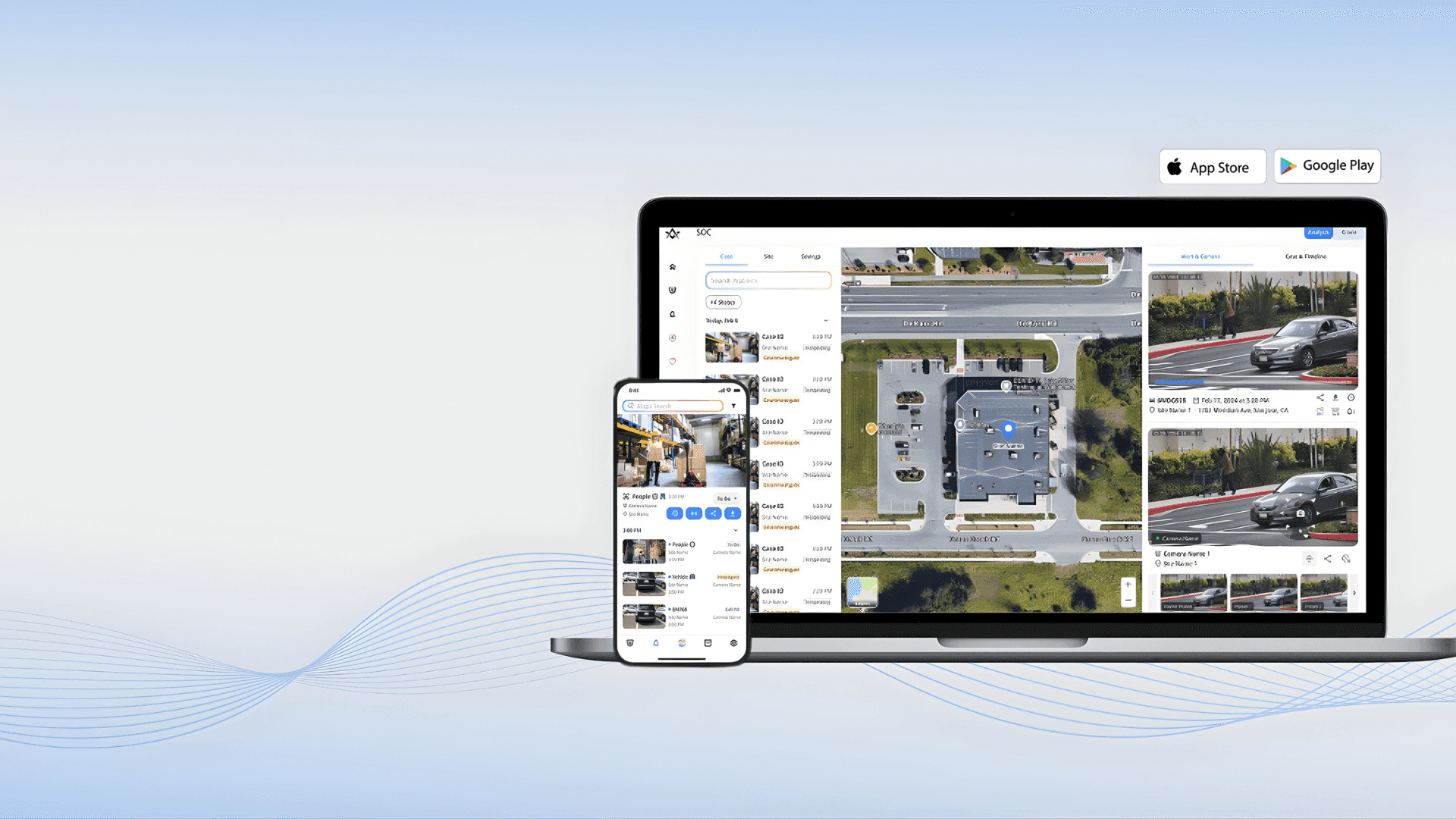

Advanced Tools for Effortless Configuration
Advanced Tools for Effortless Configuration
EZTools 3.0: Advanced Device Management Tool
EZTools 3.0: Advanced Device Management Tool
Your all-in-one solution for managing and configuring Uniview devices. Streamline batch setups, firmware upgrades, and maintenance with powerful new features designed to save you time.
Your all-in-one solution for managing and configuring Uniview devices. Streamline batch setups, firmware upgrades, and maintenance with powerful new features designed to save you time.
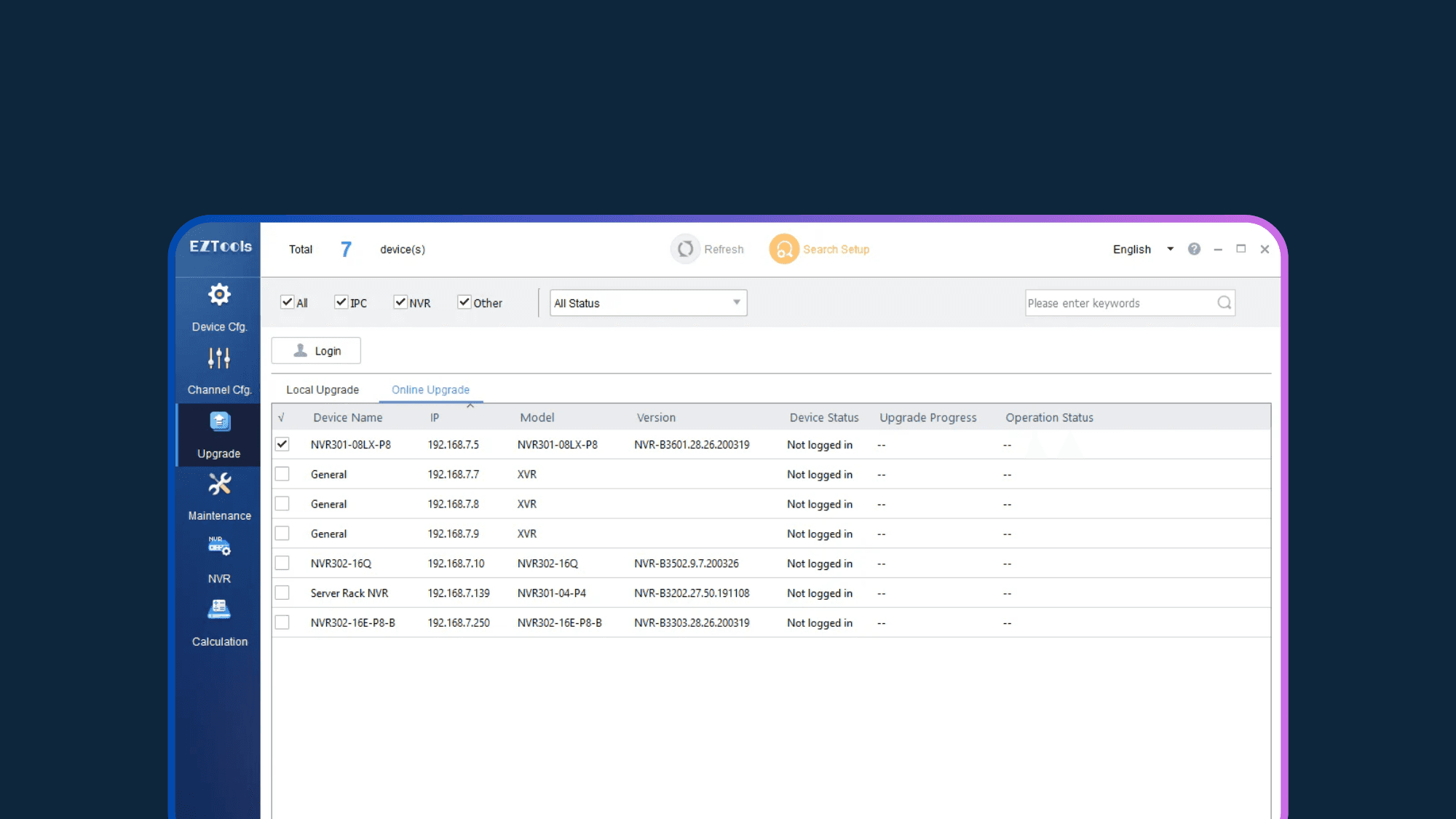
EZTools 3.0: Your All-in-One Command Center
EZTools 3.0: Your All-in-One Command Center
EZTools 3.0 transforms your workflow by putting powerful batch-processing capabilities at your fingertips. From initial discovery and IP configuration to ongoing maintenance, gain centralized control over your entire network of IP cameras and NVRs.
EZTools 3.0 transforms your workflow by putting powerful batch-processing capabilities at your fingertips. From initial discovery and IP configuration to ongoing maintenance, gain centralized control over your entire network of IP cameras and NVRs.
Everything You Need to Manage Uniview Devices
EZTools 3.0: Key Capabilities
EZTools 3.0: Key Capabilities
EZTools 3.0 acts as your central command center for Uniview deployments. From batch firmware updates to instant live previews, access the essential utilities needed to configure, secure, and maintain your entire security network with speed and precision.
EZTools 3.0 acts as your central command center for Uniview deployments. From batch firmware updates to instant live previews, access the essential utilities needed to configure, secure, and maintain your entire security network with speed and precision.


Technical Specification
EZTools 3.0: System Requirements
EZTools 3.0: System Requirements
Browse common inquiries regarding EZTools 3.0 installation, compatibility, and troubleshooting. Find the solutions you need to resolve network discovery issues and keep your security deployment running smoothly.
Browse common inquiries regarding EZTools 3.0 installation, compatibility, and troubleshooting. Find the solutions you need to resolve network discovery issues and keep your security deployment running smoothly.
R1122.3.5.1
R1122.3.5.1
Uniview
Windows 7, 8, 10, 11 (32/64-bit)
Intel Pentium IV @ 3.0 GHz or higher
1 GB RAM or higher
1280x720 resolution or higher
Not currently available for Mac.
Support & Knowledge Base
EZTools 3.0: FAQs
EZTools 3.0: FAQs
Browse common inquiries regarding EZTools 3.0 installation, compatibility, and troubleshooting. Find the solutions you need to resolve network discovery issues and keep your security deployment running smoothly.
Browse common inquiries regarding EZTools 3.0 installation, compatibility, and troubleshooting. Find the solutions you need to resolve network discovery issues and keep your security deployment running smoothly.
01
What are the main improvements in EZTools 3.0?

02
Is EZTools 3.0 compatible with Mac (macOS)?
03
Can I manage cameras connected to NVR PoE ports?
04
Optimize your security workflow today.
01
What are the main improvements in EZTools 3.0?
02
Is EZTools 3.0 compatible with Mac (macOS)?
03
Can I manage cameras connected to NVR PoE ports?
04
Optimize your security workflow today.